
Site audit software
Site audits done on a phone, with every fail tracked until it is fixed
Paper audit sheets end up in a tray in the site cabin, and the things that failed are remembered for as long as the person who wrote them. With QR Safety Go, your managers score each item on their phone as they walk the site, photograph what they find, and every failed item becomes an action with a due date that is tracked until someone closes it out.
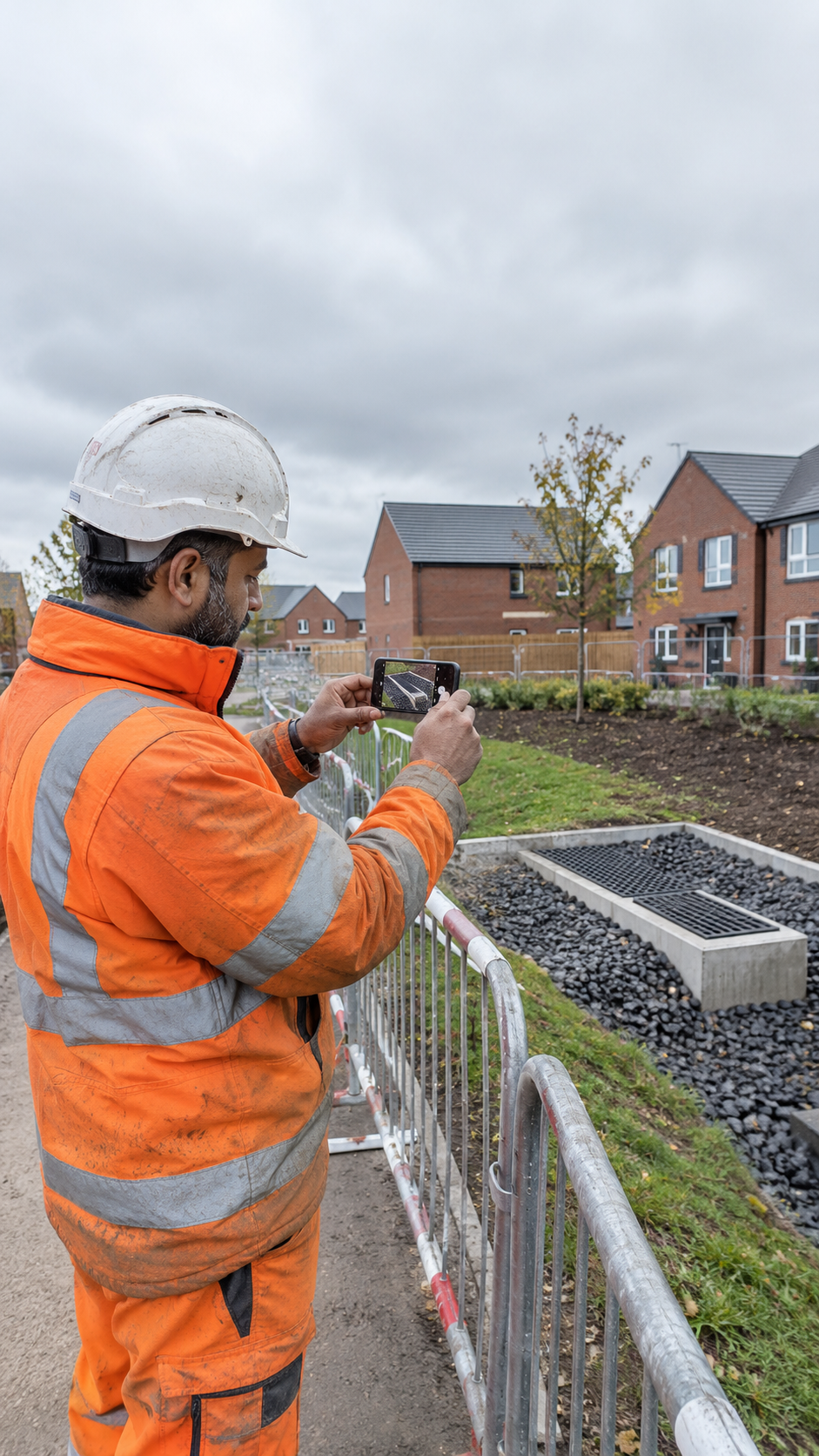
Scored as you walk the site
Mark each item pass, fail or N/A and the score updates as you go, for the audit as a whole and for each section, so you know where the site stands before you leave it.
Photos on any item
Photograph a fail so the reason is clear, or photograph good practice to prove compliance. Photos are optional on every question.
Failed items become actions
Each fail raises an action with a priority and a due date. Your team works through them in one place and closes each one with a photo or note as proof.
Our templates or your own
Start from the General Site Safety Inspection or the 156 question Comprehensive Site H&S Audit, then edit them or build your own to match how your company inspects.
A separate audits app for phones
Managers open the audits app from their home screen, pick the site and start. It saves as they go, so a dropped signal or a flat battery does not lose the audit.
A share link with no login
Share one link and anyone can run an audit for your company from their phone, with no account to create. Reset the link whenever you want to stop it working.
Compared with the last visit
Each audit shows the previous audit at that site with its score and the actions still open, so the report shows whether the site is improving.
Branded PDF report
Download a PDF with the cover details, the score, a map of the site, results section by section, the photos and the list of open actions.
Questions
Who runs site audits?
The people who actually inspect: health and safety managers, site managers and company owners. Access comes from your company login, and a site manager only sees the sites they are assigned to.
Is site audits included as standard?
It is an optional add-on that we switch on for your company, so you only pay for it if you need it.
Do auditors need an account?
Not always. Managers use the audits app with their company login, and there is a share link that works without a login for anyone who does not have one.
Can we use our own audit template?
Yes. Our master templates are copied into your company, where you can add, remove or reword questions, and you can build a template of your own from scratch.
What happens when an item fails?
It becomes an action with a priority and a due date, held in your action tracker. Your dashboard team works through the actions and closes each one with a photo or note as proof it was fixed.
Can an audit be changed after it is signed?
The signed result stays as it was. Office staff can correct photos and written comments on a completed audit, but the pass, fail or N/A results, the score and the signature cannot be altered.
Do audits help with accreditation checks?
Yes. Each audit is dated, scored and signed, with the photos behind it, and downloads as a branded PDF you can hand to a client or an assessor.