
Permit to work software
Permits prepared in your office and signed off on site
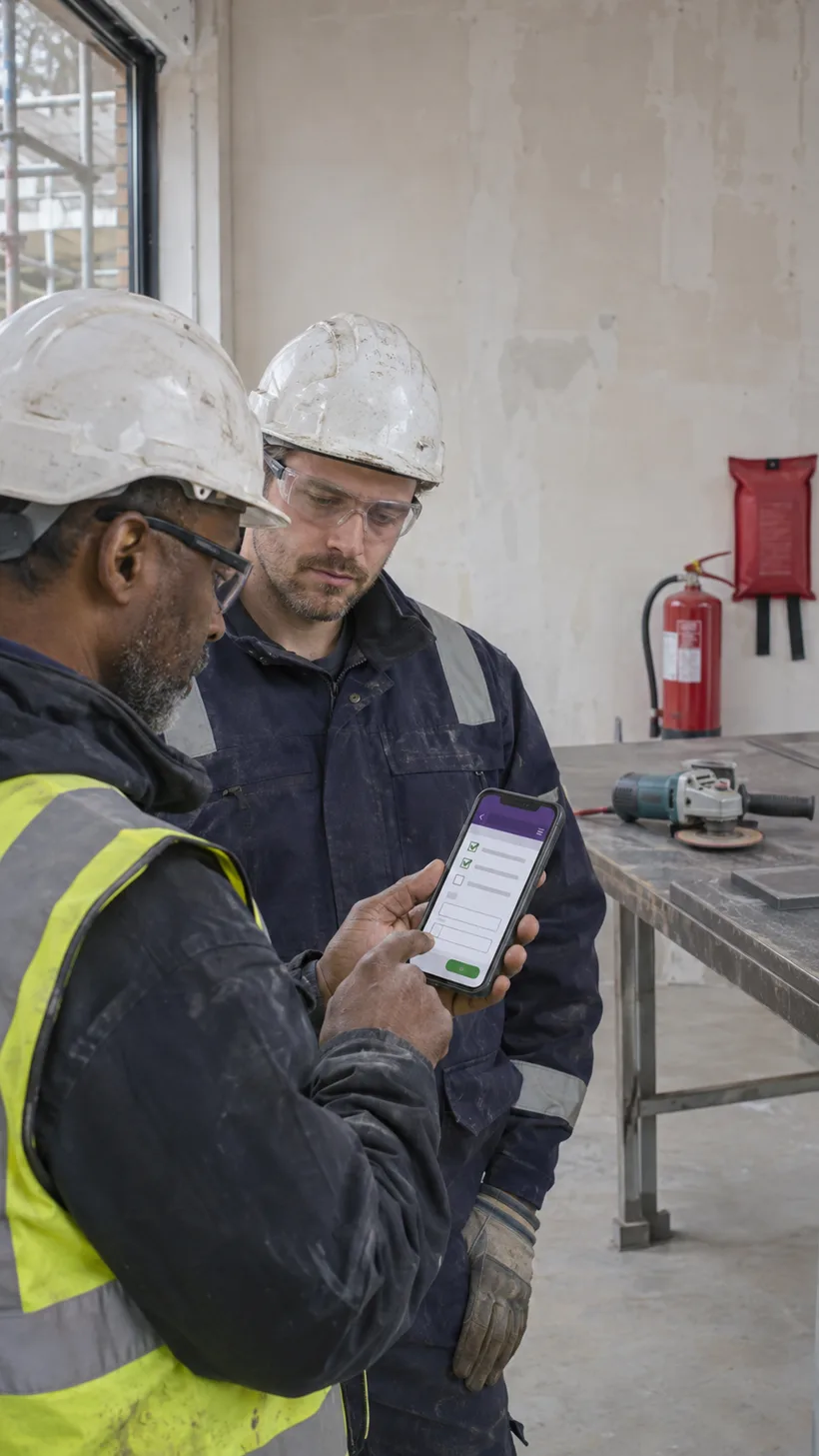
A permit sitting in a folder in the site cabin cannot tell you whether the checks behind it were actually done. With QR Safety Go your office prepares the permit and sends it to the app, the site team completes the acceptance checks and signs each stage on their phone before work starts, and the permit closes with a PDF showing who signed what and when.
How it works
- 1
Prepare in the office
Pick a permit template, fill in the work, location, RAMS reference and validity, and approve it in your dashboard.
- 2
Send it to the app
Push the permit to your company or site app, where the site team picks it up on their phone.
- 3
Check and sign on site
The site team completes the acceptance checks, photos and plan markings and signs before work starts.
- 4
Close it out
Daily checks and handback are signed on the permit, and a branded PDF of the closed permit is ready to download.
Six permit types ready to use
Hot works, work at height, break ground, permit to dig, confined space and electrical isolation, each carrying the checks our advisors put in them.
Office stages and site stages
A permit is split into stages. Your office completes the details and approvals in the dashboard, the site team completes acceptance, ongoing checks and handback on their phone.
A signature at every stage
Each stage is signed by the person who did it, with their name and the time. Once a stage is signed it is locked, so the answers and signatures behind it stay as they were.
Start a permit on site, or request one
An authorised operative can start a permit from the app after confirming they are qualified, competent and authorised to issue one. Anyone else can request a permit and your office raises it.
Validity checked as it is filled in
Start and expiry dates and times are checked while the permit is being completed. Hot works permits must start and expire on the same day.
Plans, photos and markings on the permit
Attach the RAMS and service drawings, photograph the working area and draw on the photo or plan to show exactly where the work is and what is underneath it.
Daily checks while the permit is live
Permits that run for days carry daily check rows, so equipment checks, gas tests, excavation inspections and revisions are recorded on the permit itself, and you can build your own permit types in the form builder.
A PDF of every closed permit
Download a branded PDF with the permit number, every stage, the answers and the signatures for your client or your files.
Questions
Is permit to work included as standard?
It is an optional add-on that we switch on for your company, so you only pay for it if you need it.
Who can start a permit on site?
The app offers Start a permit to anyone who opens it, but before the permit opens the operative must tick a confirmation that they are qualified, competent and authorised to create and issue that permit. Anyone who is not sure should use Request a permit instead, which sends the details to your office to raise.
How long is a permit valid?
You set the start and expiry date and time when the permit is prepared. Hot works permits must start and expire on the same day, and a permit to dig is reviewed and signed off each day for up to five working days.
Can a permit be changed after it is signed?
No. Each stage is locked once it is signed, so the answers and signatures behind it stay as they were. If the work changes, a revision or a new permit is raised instead.
Do the people on site need an account?
No. Permits are completed in your branded app or from a link on their own phone, with nothing to download and no login to remember.
Can we use our own permit format?
Yes. Our permit templates are copied into your company and open in the form builder, so you can reword questions, add your own checks or build a permit from scratch.
What is permit to work software?
Permit to work software replaces paper permits with digital ones, so the checks, approvals and signatures behind high-risk work are recorded at each step and can be found later. QR Safety Go splits each permit into office and site stages and locks every stage once it is signed.
Does a permit help with CDM and accreditation checks?
It gives you the evidence: a numbered permit with the RAMS reference, the checks done, the people briefed and a signature at each stage, downloadable as a PDF when an assessor or client asks.