COSHH software
COSHH assessments your workers read and sign on their phones
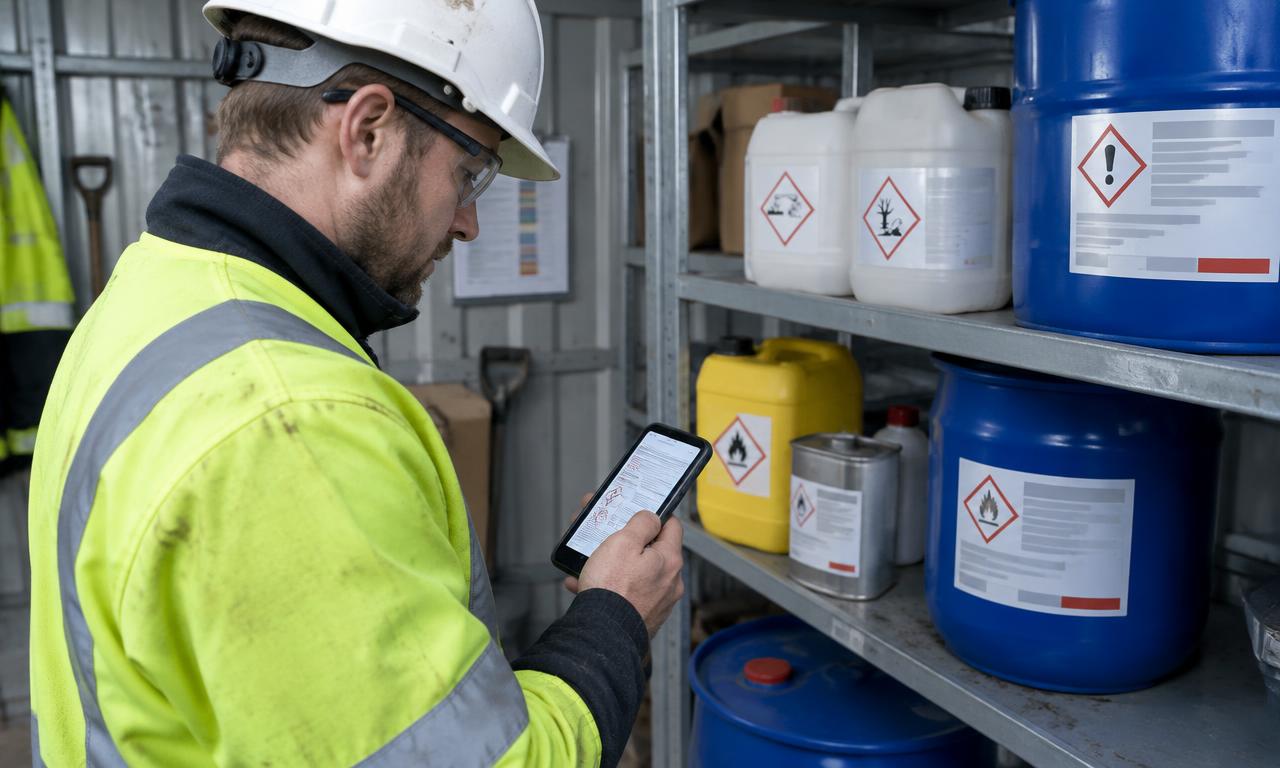
A COSHH assessment in a folder in the cabin rarely gets read. Upload your COSHH assessments as PDFs, push them to your company app or a site app, and every worker who uses the product reads it on their own phone, confirms they have read and understood it and signs. You keep a signed record of who was briefed on which substance, and when.
How it works
- 1
Upload your COSHH assessment
Add the COSHH assessment PDF you already have from your COSHH tab in the dashboard.
- 2
Choose where it goes
Send it to your main company app or to a selected site app, so workers see the substances used on their job.
- 3
Workers read and sign
Each worker opens it on their phone, ticks the read-and-understood declaration and signs. No app to download and no login.
- 4
Keep the evidence
Signatures land in your dashboard, searchable by person and site, and workers can download the agreed PDF after signing.
Use your existing assessments
Upload the COSHH assessments your competent person has written. Nothing has to be retyped.
A declaration that must be ticked
Workers confirm they have read and understood the assessment before they can sign.
Site-specific substances
Push assessments to the site app where the product is being used, so crews only see what applies.
Signed PDFs for clients and assessors
Download any sign-off as a branded PDF, or select COSHH records for your accreditation evidence pack.
Questions
Does QR Safety Go write our COSHH assessments?
No. You upload the COSHH assessments you have prepared. QR Safety Go shares them with your workers and records who has read and signed them. Your business stays responsible for the content of the assessment.
Do workers need an account to sign a COSHH assessment?
No. They open it from your branded app, a link or a QR code on their own phone, read it, tick the declaration and sign.
Can we send a COSHH assessment to one site only?
Yes. Choose your main company app or a selected site app when you upload, so it appears only where that substance is in use.
Can workers keep a copy?
Yes. After signing, workers can download the COSHH assessment they agreed to.
Does this help with accreditation checks?
Yes. Each sign-off shows who read which assessment, from which site and when, and can be exported as a PDF or included in your evidence pack. We can help get you prepared; accreditation decisions remain with the assessor.