Near miss reporting software
Accident and near miss reporting from any phone on site
Workers report an accident or near miss in a couple of minutes from your branded app, with photos. Near misses can be anonymous, so more get reported. Managers track each report, record follow-up actions and close it, with a full history kept.
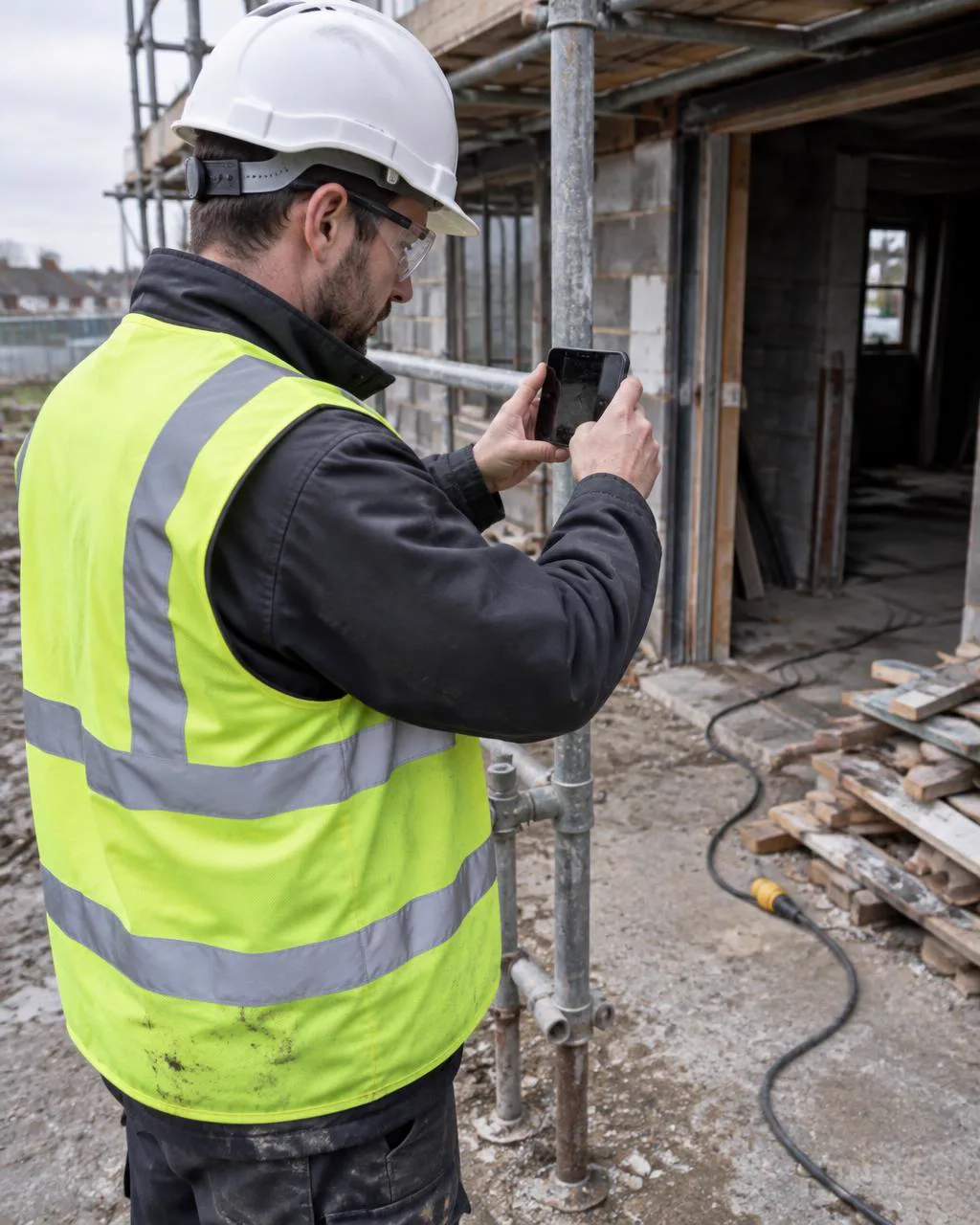
Fast reporting with photos
Separate accident and near miss forms, with photos added from the phone.
Anonymous near misses
Workers can report a near miss without giving their name.
Track and close
Update status and actions from the dashboard, with every change kept in the history.
Reports when you need them
Download PDF and Excel reports for meetings, clients and audits.
Questions
Why report near misses?
Near misses show where an accident could happen next. Recording and acting on them is one of the simplest ways to prevent injuries.
What happens after a report is made?
Managers review it, record the investigation and corrective actions, assign follow-up and move it from new to open to resolved. Every update is kept, so you can show what was done and when.
Do I still need to report to RIDDOR?
Yes, where RIDDOR applies. QR Safety Go helps you capture the facts quickly, but reportable incidents must still be reported to the HSE.
Can managers see photos from the report?
Yes. Photos uploaded with a report appear when you open it in the dashboard, with download links.