
QR Safety Go | Scaffold & Yard | Optional add-on
Scaffold material and lorry load planning
Put job lists and load-outs on your yard team's devices. Bring scaffold drawings, checked material schedules and vehicle loads into one place, with less paper and a clearer handover from office to yard.
Discuss your scaffold yardFrom a checked parts list to a signed load-out.
Drawings and parts together
Upload a drawing or SMART Scaffolder material schedule PDF. AI helps read explicitly printed parts and quantities; you can also import a CSV or Excel schedule or enter your material list manually.
Review before release
Check quantities against the design and confirm each material's unit weight. A competent person reviews the schedule before the office plans and releases a load to the yard.
Plan against actual vehicle payload
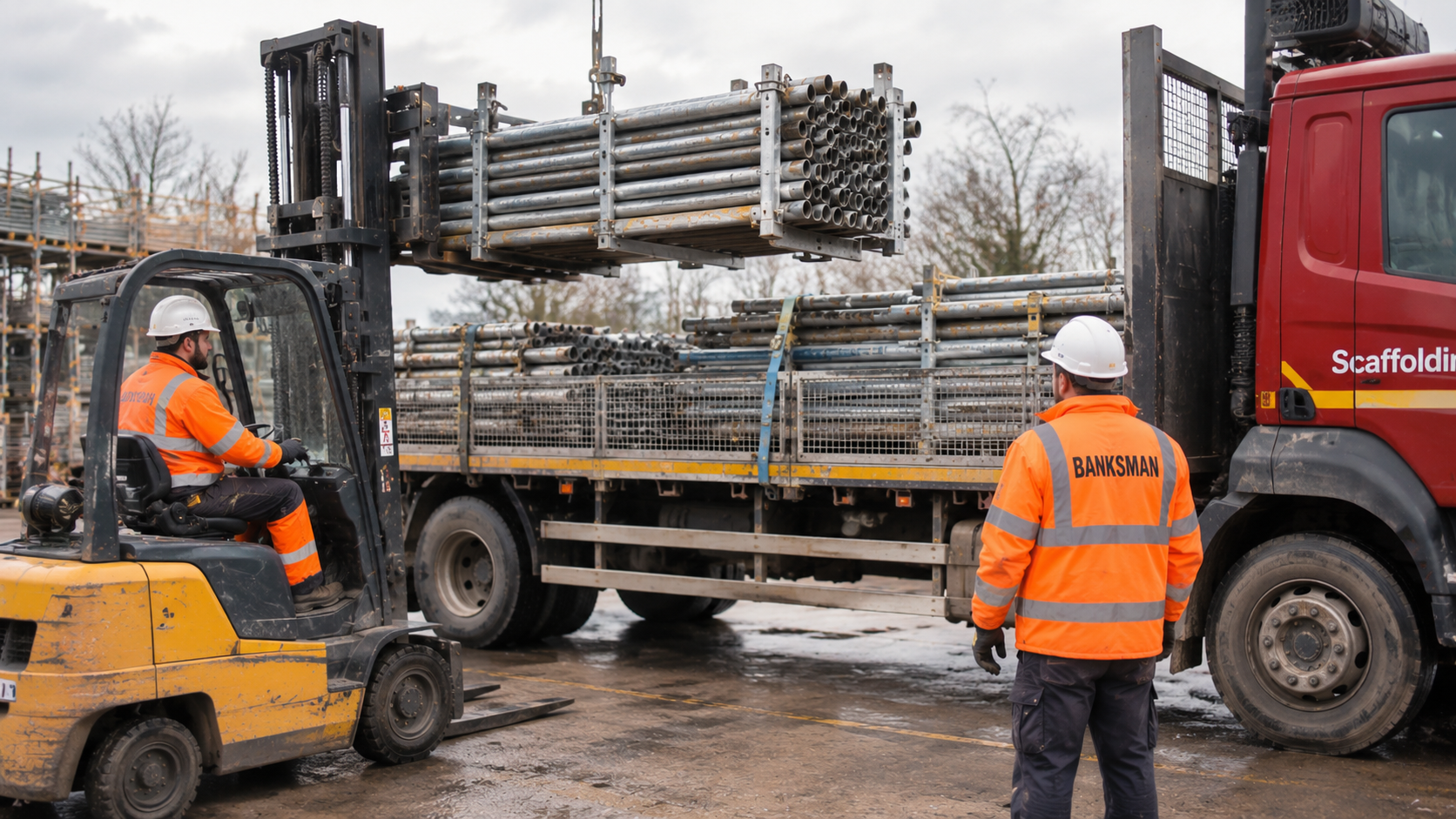
Choose a vehicle, allocate materials across loads and compare the planned weight with its recorded payload. Include accessory weight and organise the picking sequence and load zones for the yard.
A separate Yard App
Your yard team sees released jobs and load-outs on their devices. They tick off picked quantities, save progress and sign the completed load-out. Download a company-branded PDF manifest for the handover.
From office planning to yard handover
- 01
Prepare the job
Add your job details, drawing and material schedule for a 48.3mm tube and fitting scaffold.
- 02
Confirm the materials
Review the parts and quantities, correct anything unclear and confirm unit weights.
- 03
Plan and release loads
Allocate materials to your vehicles using their actual payloads, then approve the yard handover.
- 04
Pick, check and sign
The yard team follows the digital picking list and signs the completed load-out.
Practical planning support, with people in control
Scaffold & Yard is an optional add-on for your company. It reads explicit material schedules, not quantities calculated from drawing geometry. A TG20 compliance sheet alone needs a separate material export or competent manual takeoff. It does not design scaffolds, certify TG20 compliance, calculate axle loads or approve load restraint. Competent people must verify the design, parts, weights and safe loading arrangements.
Book a demoScaffold planning questions
Can it turn a SMART Scaffolder drawing into a parts list?
It can help extract quantities where the uploaded PDF includes an explicit material schedule. A drawing or TG20 compliance sheet without a bill of materials is not enough for automatic takeoff. Import the SMART materials export or enter a competent person's takeoff instead.
Which scaffold system is supported?
Scaffold & Yard supports 48.3mm tube and fitting scaffolding. Talk to us about your drawings and material schedules so we can show you the workflow for your team.
Which vehicles can we plan loads for?
Vehicle types include 3.5 tonne vans or pickups, 7.5 tonne lorries, and 18 and 26 tonne rigids. These are vehicle classes, not payload allowances. Enter the actual available payload and deck dimensions for each vehicle.
Can we split a scaffold job across several lorry loads?
Yes. Allocate the reviewed materials across separate loads and vehicles. The system tracks remaining quantities and checks each planned load against its recorded vehicle payload.
Does the yard have its own app?
Yes. A separate shared Yard App shows released jobs and load-outs, picking progress and signed completion records. The office controls which loads are released.
Does this certify that a lorry is safely loaded?
No. The software supports material allocation, recorded weight checks and picking records. The responsible competent people must check actual payload, axle loading, stability, restraint and legal transport requirements before departure.